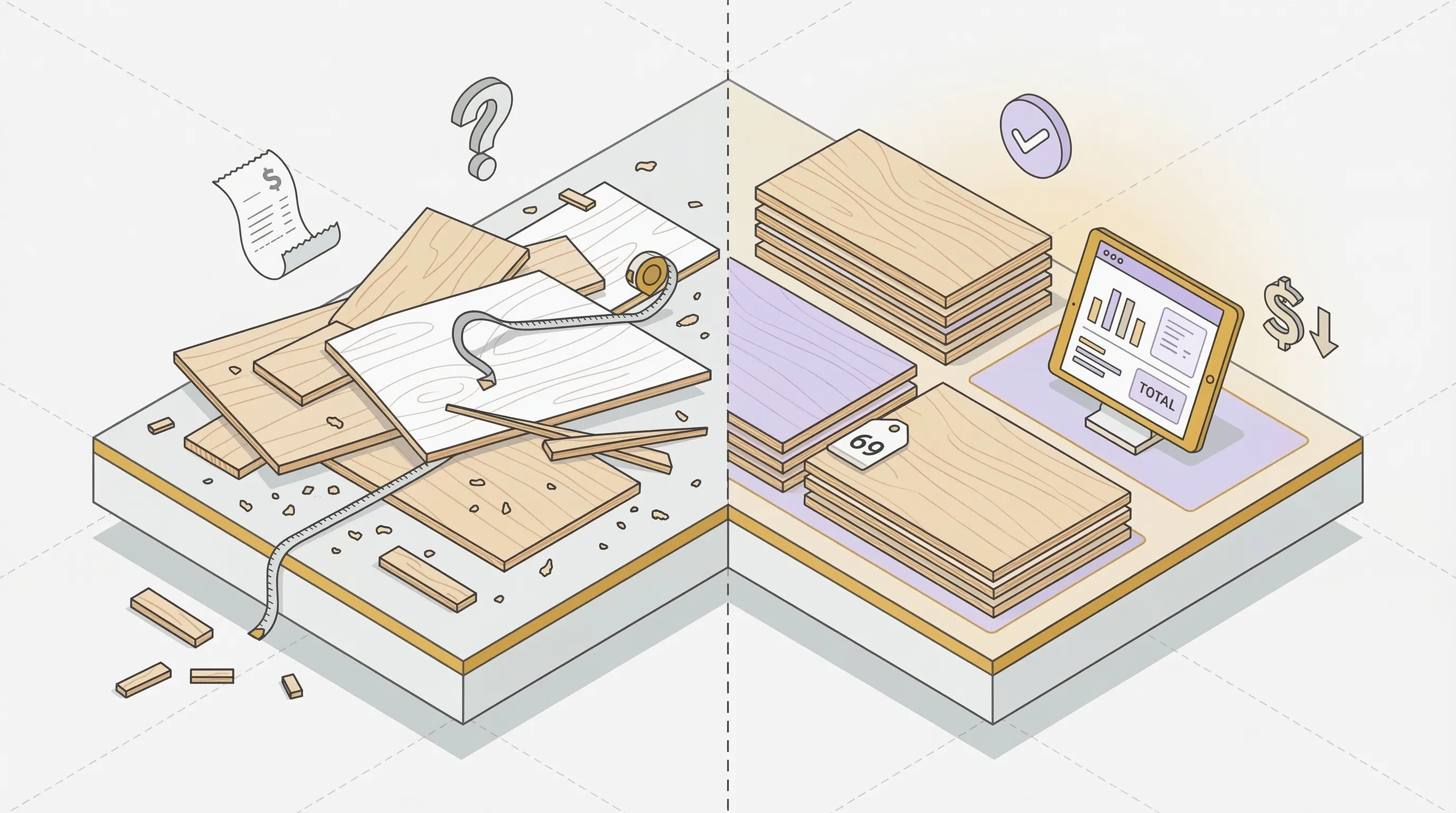
How to Calculate How Many Sheets of Plywood You Need
The formula is straightforward:
Sheets needed = (Total area × Waste factor) ÷ Sheet area
Here's how it breaks down, step by step:
- 1. Measure the total area. Multiply length by width. For a 12 × 15 ft floor, that's 180 sq ft.
- 2. Choose your waste factor. For rectangular cuts, use 1.10 (10% waste). For complex projects with angles or many small pieces, use 1.15 or 1.20.
- 3. Divide by the sheet area. A standard 4×8 ft sheet covers 32 sq ft.
- 4. Round up. You can't buy a fraction of a sheet. Always round up to the next whole number.
Worked Example: 12 × 15 ft Floor
| Step | Calculation | Result |
|---|---|---|
| Total area | 12 × 15 | 180 sq ft |
| Add 10% waste | 180 × 1.10 | 198 sq ft |
| Divide by sheet area | 198 ÷ 32 | 6.19 |
| Round up | 7 sheets |
Seven sheets of 3/4-inch CDX at $40 each: $280 total.
That is the entire plywood calculator square feet method: convert everything to square footage, then divide by sheet area. This plywood sheet calculator approach works well for surface coverage projects: flooring, subflooring, roof sheathing, wall paneling. You are covering a rectangular area with rectangular sheets. The math is clean. For guidance on making the actual cuts, see our plywood cutting guide.
Standard Plywood Sheet Sizes
Not all plywood comes in 4×8. Here are the standard sizes available in North America and Europe:
| Size (Imperial) | Size (Metric) | Area (sq ft) | Common Uses |
|---|---|---|---|
| 4 × 8 ft | 1220 × 2440 mm | 32 | Most projects: sheathing, cabinets, furniture, subflooring |
| 5 × 5 ft | 1525 × 1525 mm | 25 | Baltic birch (full sheets from European mills) |
| 4 × 10 ft | 1220 × 3050 mm | 40 | Tall walls, commercial applications |
| 4 × 4 ft | 1220 × 1220 mm | 16 | Half sheets, small projects, craft panels |
| 2 × 4 ft | 610 × 1220 mm | 8 | Project panels (sold at big-box stores for small jobs) |
Euro sizes like 1250 × 2500 mm are standard outside North America. They're slightly larger than the 4×8 equivalent, which matters when you're calculating tight layouts. Always check with your supplier.
Baltic birch note: Most Baltic birch comes in 5×5 ft (1525 × 1525 mm) sheets, not 4×8 ft. If you are using a 4x8 plywood calculator, remember to switch the sheet dimensions. The plywood calculator above lets you enter custom sheet sizes for exactly this reason.
Common Plywood Thicknesses
Plywood thickness determines structural capacity, weight, and cost. Here are the five standard thicknesses and their best uses:
| Nominal | Actual | Metric | Weight (4×8) | Best Use |
|---|---|---|---|---|
| 1/4" | 7/32" | 6 mm | 22 lbs (10 kg) | Cabinet backs, drawer bottoms, underlayment |
| 3/8" | 11/32" | 9 mm | 29 lbs (13 kg) | Light shelving, backing, thin panels |
| 1/2" | 15/32" | 12 mm | 40 lbs (18 kg) | Roof sheathing, wall paneling, moderate shelves |
| 5/8" | 19/32" | 15 mm | 48 lbs (22 kg) | Subflooring, heavy-duty shelving |
| 3/4" | 23/32" | 18 mm | 60 lbs (27 kg) | Cabinet boxes, furniture, countertop substrate, stair treads |
Nominal vs. Actual: Why It Matters
A 3/4-inch sheet of plywood isn't actually 3/4 inch thick. It measures 23/32 inch (about 18 mm) after sanding. This matters for joinery. If you cut a 3/4-inch dado for a plywood shelf, the shelf will be loose. Measure your actual sheets before cutting dados, rabbets, or any groove joint.
This is one of the most common mistakes in cabinet making, and it has nothing to do with the number of sheets you buy. It's about the fit once you start cutting.
Plywood Types and Average Prices (2026)
The type of plywood you choose affects both cost and waste tolerance. Here's what you can expect to pay per 4×8 ft sheet in 2026:
| Type | Price Range (4×8) | Grade | Best Use |
|---|---|---|---|
| CDX Sheathing | $30 to $50 | C-D | Roof, walls, subflooring |
| Sanded Pine | $40 to $60 | B-C / A-C | Painted furniture, utility shelving |
| Birch Plywood | $60 to $90 | B-BB | Cabinets, furniture, drawers |
| Baltic Birch | $80 to $133 | B/BB | Premium cabinets, furniture, jigs |
| Hardwood Veneer | $90 to $150 | A-1 | Visible furniture surfaces, paneling |
| Marine Grade | $100 to $170 | A-A | Boats, outdoor, wet environments |
Why waste matters more at higher prices. On $40 CDX sheathing, one wasted sheet costs $40. On $133 Baltic birch, one wasted sheet costs $133. On a 10-sheet project, reducing waste from 15% to 8% saves about one sheet. That is $133 back in your pocket.
This is why a plywood estimator pays for itself before you pick up the saw.
Plywood Calculator Waste Factor Guide
Every plywood project produces waste. The question is how much. Most online plywood cut calculators default to 10% waste. That is fine for simple rectangular cuts. But it is wrong for many real projects. Here is a better breakdown:
| Waste Level | Factor | When to Use |
|---|---|---|
| 5% | 1.05 | Simple rectangular cuts, full-sheet coverage (subflooring, sheathing) |
| 10% | 1.10 | Standard projects with minimal cuts (wall paneling, basic surfaces) |
| 15% | 1.15 | Projects with irregular shapes, angles, or window/door cutouts |
| 20 to 25% | 1.20 to 1.25 | Complex projects with angles, curves, grain matching, or many small pieces |
Why the "Always Use 10%" Rule Is Wrong
When Marcus built a 24-piece bookcase last spring, he used a standard 10% waste factor. The plywood calculator told him he needed four sheets. He bought four sheets of 3/4-inch birch at $75 each.
The reality: his pieces ranged from 36 × 11 inches (sides) to 8 × 10 inches (small shelves). The size variation created gaps between pieces that could not be filled. He needed five sheets, not four. That extra trip to the lumber yard cost him $75 plus an hour of driving.
A flat waste percentage is a guess. It works reasonably well when your cuts are uniform (same-size pieces, simple layout). It breaks down when you have a mix of large and small parts. For projects with specific pieces, a cut list optimizer calculates actual waste by arranging your individual parts on each sheet, instead of guessing with a percentage.
Need More Than a Sheet Count?
A plywood calculator and a cut list optimizer solve different problems. Here is when each one makes sense.
| Plywood Calculator | Cut List Optimizer | |
|---|---|---|
| Input | Total surface area (L × W) | Individual pieces with dimensions and quantities |
| Output | Number of sheets + cost | Visual cutting diagram per sheet, with labeled pieces and cut sequence |
| Waste handling | Flat percentage (10%, 15%, 20%) | Calculated from actual piece arrangement on each sheet |
| Kerf width | Not accounted for | Deducted between every adjacent cut (typically 3 mm) |
| Grain direction | Not applicable | Locks pieces so the optimizer won't rotate them |
| Best for | Roofing, subflooring, wall paneling | Cabinets, furniture, built-ins, any multi-part project |
If you searched for a plywood calculator for cabinets or a plywood calculator cut list, a surface calculator is not the right tool. Cabinet projects have 20 to 80 individual pieces in different sizes. A flat waste percentage underestimates the real waste by 5 to 15% because odd-sized pieces leave gaps that cannot fit anything else.
That is where SmartCutList comes in. It is a plywood cut optimizer that takes your cut list (every piece with length, width, and quantity), runs abin-packing algorithm that tests thousands of arrangements, and outputs a visual cutting diagram for each sheet. You print it, tape it next to the saw, and cut piece by piece.
On a 77-piece cabinet project with three material types, SmartCutList needed 10 sheets of Baltic birch. A surface area calculator estimated 12. Two sheets of Baltic birch at $133 each: $266 saved before a single cut.
The optimizer handles details that a flat waste percentage cannot:
- Kerf width between every cut. A typical table saw blade removes 3 mm per cut. On 40 cuts, that is 120 mm of material turned to sawdust.
- Grain direction on veneer panels. Lock a piece so the optimizer will not rotate it. No grain mismatches on cabinet doors.
- Edge banding thickness. The optimizer adds banding thickness to piece dimensions automatically.
- Print-ready cutting diagrams. Each sheet gets a labeled diagram with piece names, dimensions, and cut sequence. Export to PDF.
- Unlimited calculations, free. No daily limit, no piece count cap, no signup required. The number one complaint about other cut list software is hitting a 5-calculation-per-day wall mid-project.
This plywood calculator tells you how many sheets to buy. SmartCutList tells you exactly where to cut them. Free, unlimited, no signup.
Plywood Calculator by Project Type
How many plywood sheets do I need for a specific project? This plywood estimator works best for surface coverage projects. Here is what to expect for the three most common:
Roofing & Sheathing
1/2-inch or 5/8-inch CDX plywood, 4×8 ft sheets. Waste factor: 5 to 10%. Roof pitch increases the actual surface area: a 6/12 pitch adds about 12% over the footprint.
Quick estimate: A 1,200 sq ft gable roof with 6/12 pitch needs about 47 sheets.
Roof calculatorWall Paneling
4×8 sheets cover 32 sq ft of wall each. Subtract window and door openings from total wall area. Don't forget: a standard door saves about 20 sq ft, a window saves about 12 sq ft. Waste factor: 5 to 10%.
Quick estimate: A 12 × 12 ft room with 8 ft ceilings (minus one door and two windows) needs about 12 sheets.
Wall calculatorFlooring & Subflooring
3/4-inch tongue-and-groove or 5/8-inch CDX. Stagger joints between rows by at least 4 ft for structural integrity (APA standards cover rated sheathing specifications). Waste factor: 10 to 15%.
Quick estimate: A 400 sq ft room at 10% waste needs about 14 sheets.
Floor calculatorBuilding cabinets, furniture, or built-ins? A surface area plywood estimator does not apply to parts-based projects. You need a cut list optimizer that arranges your specific pieces on each sheet. Create a cut list with every piece (length, width, quantity) and run it through SmartCutList for an accurate sheet count and printable cutting diagram.